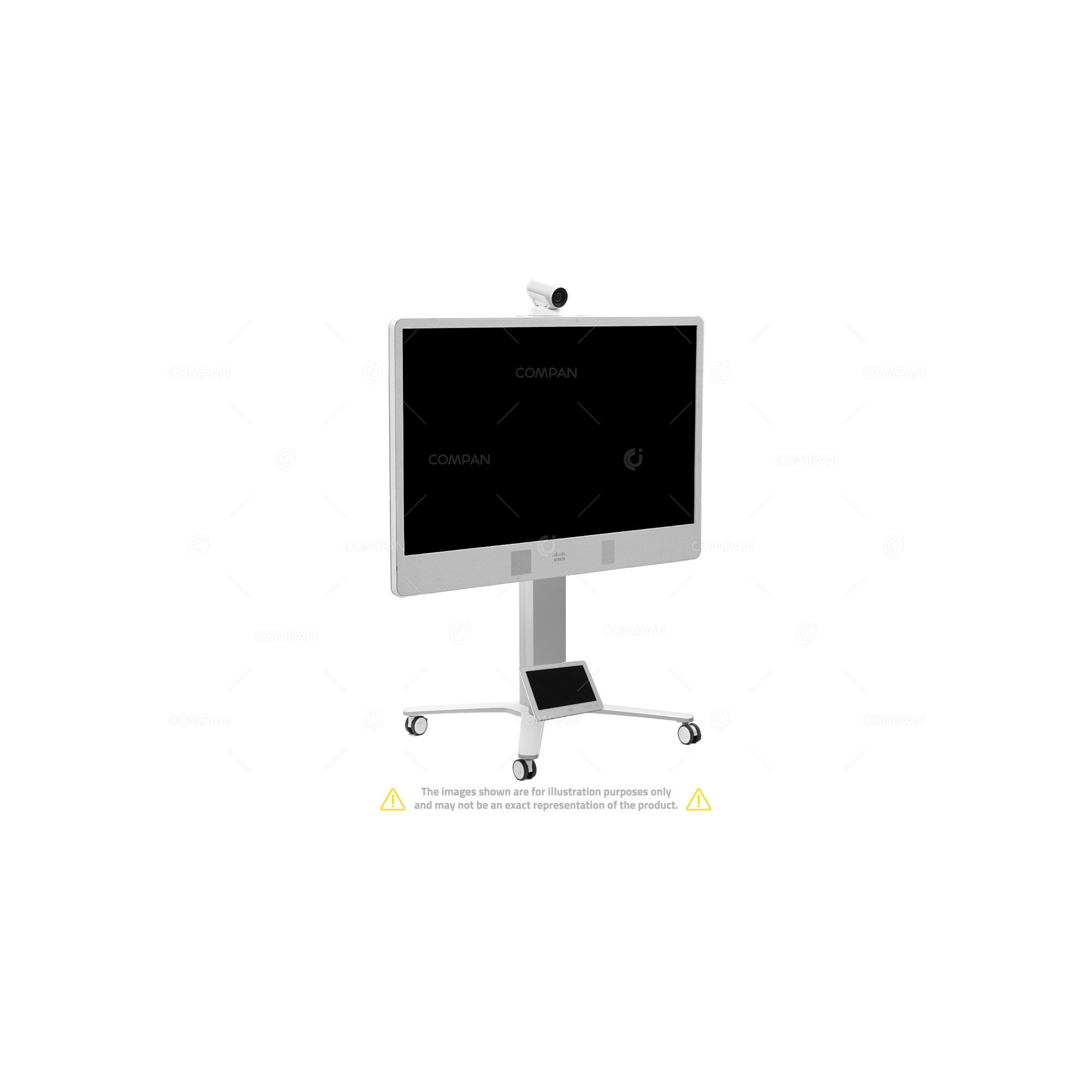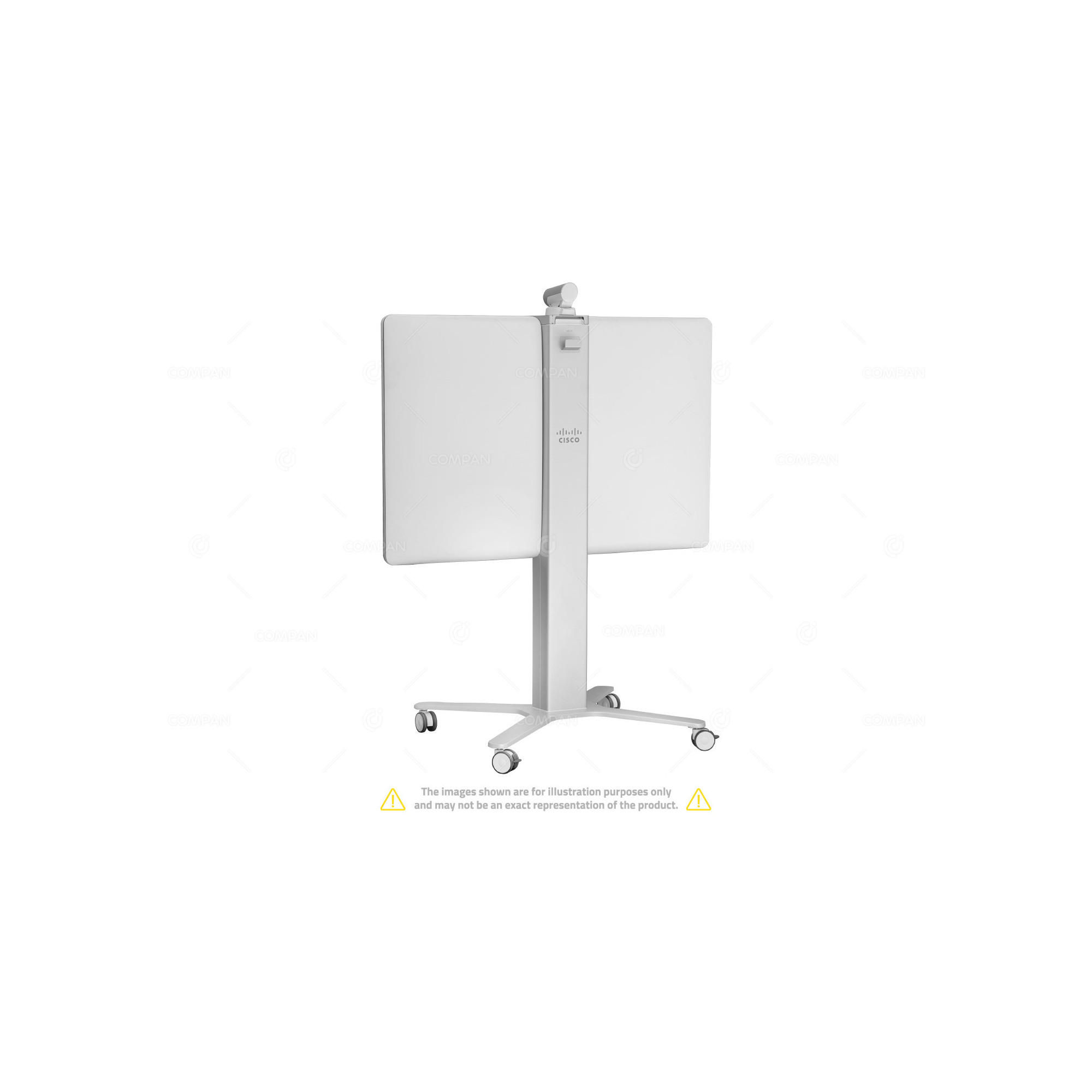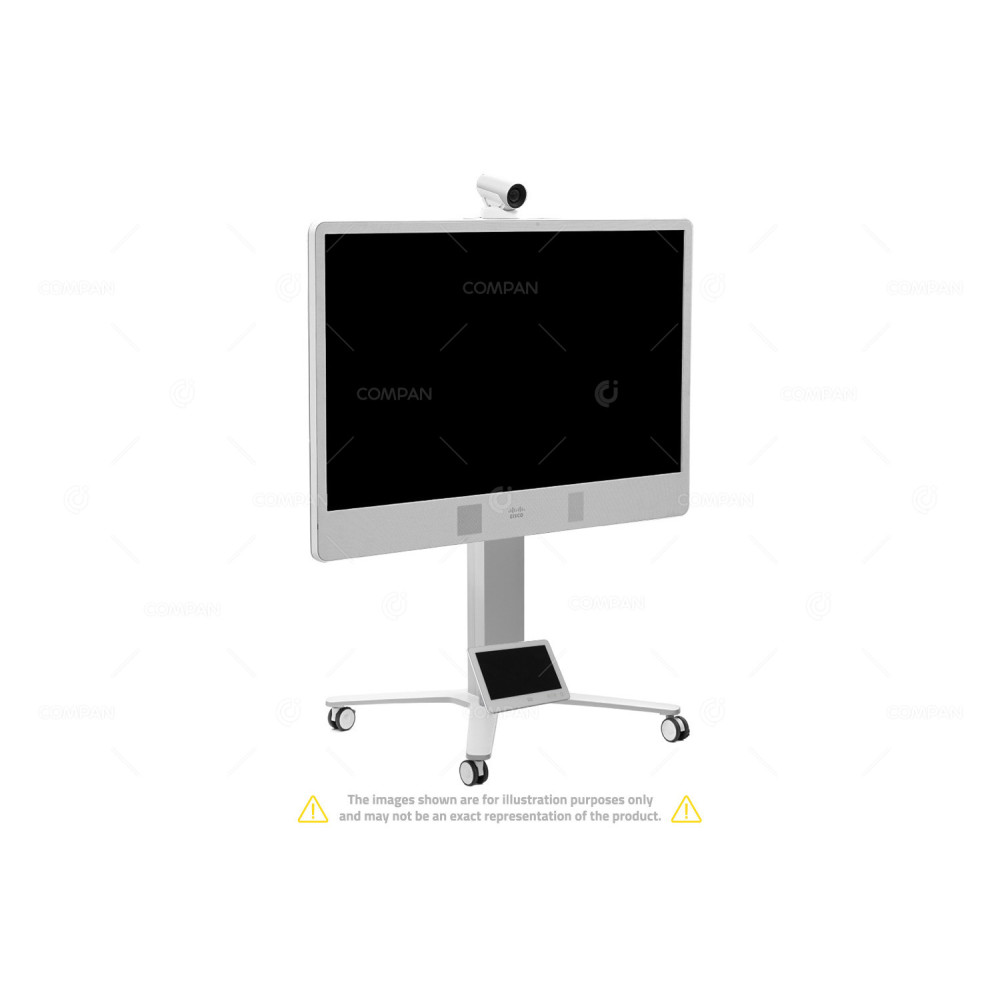
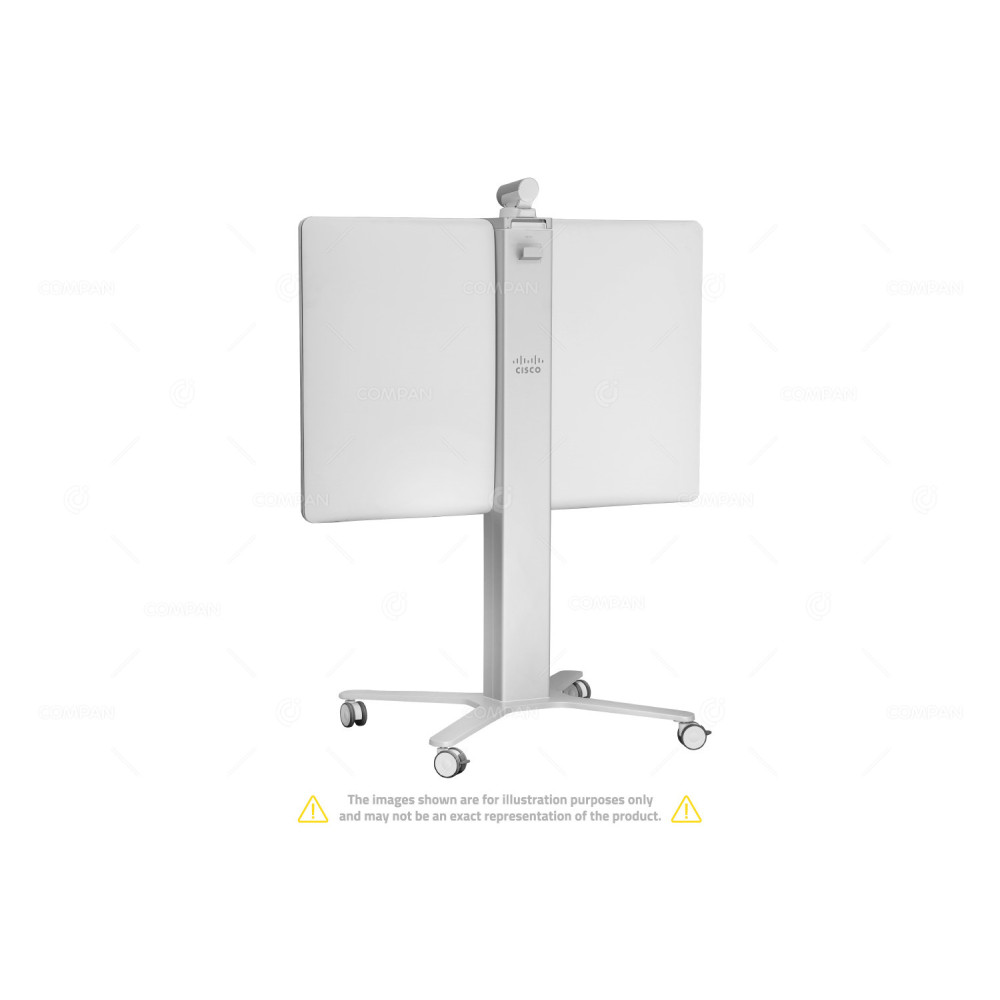




The Cisco MX300 G2 is a powerful video conferencing and collaboration solution designed for businesses looking for high-quality, immersive experiences. It's part of Cisco’s Webex Room Series and offers an all-in-one platform for video meetings, presentations, and more. Additionally it can be utilized simply as a standalone monitor.
The monitor aspect is a high-definition touchscreen display, around 55 inches, which is perfect for large meeting rooms. It provides crystal-clear visuals for video calls, content sharing, and whiteboarding features.
This touchscreen monitor integrates with Cisco's Webex ecosystem, offering a seamless experience where users can easily join video conferences, share content, and collaborate on the spot. The screen supports Full HD resolution, giving you ultra-sharp video quality, making it ideal for conference rooms that need clear visuals for remote meetings or presentations.
When you think of the Cisco MX300 G2 as just a monitor, it's essentially a high-performance, 55-inch Full HD display that can deliver sharp, vibrant visuals for any use case where clear, detailed imaging is needed.
Though it’s designed to work with Cisco’s video conferencing systems, you can use the Cisco MX300 G2 purely as a high-end digital display monitor that can connect to your PC, laptop, or other devices via HDMI or USB-C. It could easily serve as an office monitor for anyone needing large-format displays for editing work, presentations, or multi-screen setups.
The screen itself boasts stunning Full HD (1920 x 1080), providing exceptional clarity and depth. The color accuracy and contrast are optimized for a crisp, lifelike display, making it a great choice for environments where high-quality visual output is key—whether for presentations, video playback, or just as a large display monitor.
With its edge-to-edge glass design, the MX300 G2 has a modern, sleek appearance that would integrate well into both professional and creative spaces, from offices to creative studios. The screen is built with IPS technology, meaning it has wide viewing angles and consistent color reproduction, even from the sides.
In short, as just a monitor, the Cisco MX300 G2 is a stunningly capable, high-resolution screen that performs superbly for visual tasks, with the added bonus of looking modern and professional in any workspace.
| Manufacturer | Cisco |
| Model | MX300 G2 |
| Product Type | Video Conferencing System / Monitor |
| Screen Dimension | 55" |
| Software compatibility | Cisco TelePresence Software Version TC 7.0 or later Cisco Collaboration Endpoint Software Version 8.0 or later |
| Display | 55-in. (1.4m) LCD monitor, edge LED backlight Resolution: 1920 x 1080 (16:9) Contrast ratio: Typical 4000:1 Viewing angle: +/-178 deg Response time: Typical 8 ms Brightness: Typical 450 cd/m2 |
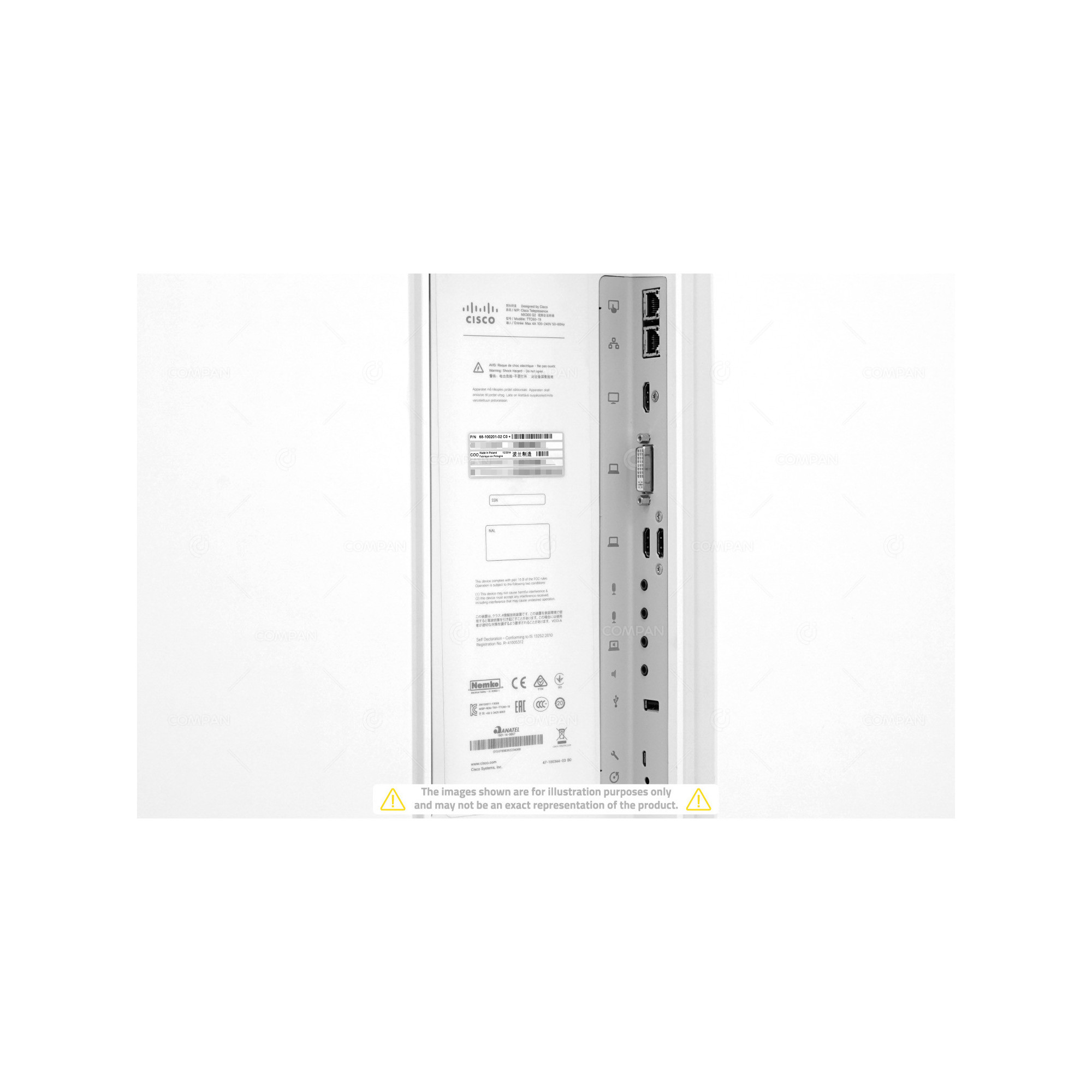
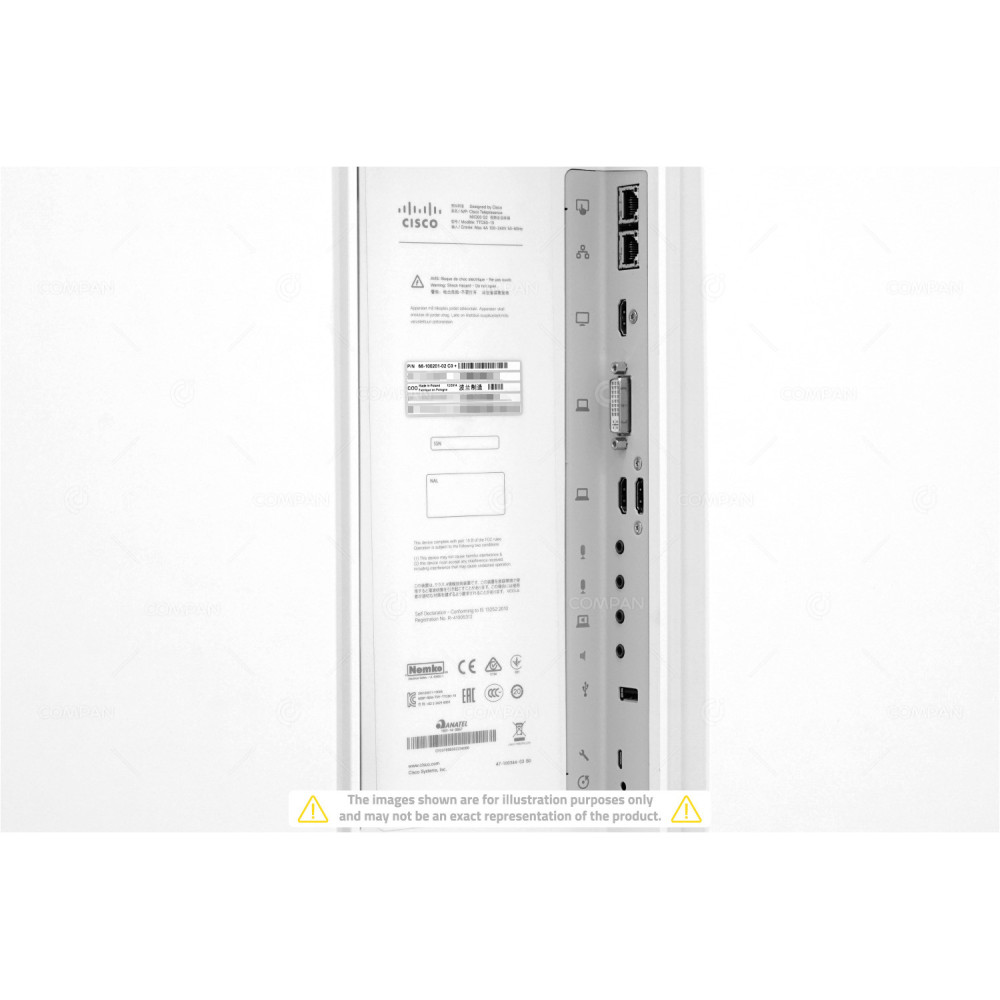
| PC and second-source video input | DVI-I 2 x HDMI |
| Supported PC input resolutions | SVGA (800 x 600) to 1080p (1920 x 1080) |
| Camera overview | 4x optical zoom (8x with digital) Motorized +15°/-25° tilt, +/-90° pan 72° horizontal field of view 43.5° vertical field of view Resolutions: 1080p60 and 720p60 F 1.7 Automatic or manual focus, brightness, and white balance Far-end camera control Focus distance 0.98 ft (0.3m) to infinity |
| Audio system | Integrated full-range and bass speakers Integrated full-range microphone Support for two Cisco Table Microphone 20 microphones Mini jack PC audio input Mini jack audio output |
| Power | Autosensing power supply 100-240 VAC, 50-60 Hz Rated: 300W maximum Power consumption: 235W at maximum standardized configuration |
| Minimum bandwidth for resolution and frame rate | 720p30 from 768 kbps 720p60 from 1152 kbps 1080p30 from 1472 kbps 1080p60 from 2560 kbps |
| Video standards | H.263 H.263+ H.264 |
| Video Onputs | Two HDMI and one DVI-I (analog and digital) inputs Supports formats up to maximum 1920 x 1080 @ 60 fps (HD1080p60), including: 640 x 480 720 x 480 720 x 576 800 x 600 848 x 480 1024 x 768 1152 x 864 1280 x 720 1280 x 1024 1280 x 768 1280 x 800 1280 x 960 1360 x 768 1366 x 768 1400 x 1050 1440 x 900 1680 x 1050 1920 x 1080 |
| Video Outputs | One HDMI output Supports formats up to maximum 1920 x 1080 @ 60 fps (HD1080p60), including: 1920 x 1080 @ 60 fps (1080p60) 1920 x 1080 @ 50 fps (1080p50) 1280 x 720 @ 60 fps (720p60) 1280 x 720 @ 50 fps (720p50) 1366 x 768 @ 60 fps (WXGA) 1360 x 768 @ 60 fps (WXGA) 1280 x 768 @ 60 fps (WXGA) |
| Live VIdeo Resoloutions | Supports encode/decode video formats up to maximum 1920 x 1080@60 fps (HD1080p60), including: 176 x 144 @ 30 fps (QCIF) (decode only) 352 x 288 @ 30 fps (CIF) 512 x 288 @ 30 fps (w288p) 576 x 448 @ 30 fps (448p) 768 x 448 @ 30 fps (w448p) 704 x 576 @ 30 fps (4CIF) 1024 x 576 @ 30 fps (w576p) 640 x 480 @ 30 fps (VGA) 800 x 600 @ 30 fps (SVGA) 1024 x 768 @ 30 fps (XGA) 1280 x 1024 @ 30 fps (SXGA) 1280 x 720 @ 30 fps (720p30) |
| Audio standards | 64- and 128-kbps AAC-LD G.722 G.722.1 G.711 G.729 AB OPUS |
| Protocols | H.323 SIP |
| Interfaces | One Ethernet (RJ-45) auto-sensing Gigabit (10/100/1000) LAN port One Fast Ethernet (10/100) PoE port for Touch 10 |
| IP network features | Domain Name System (DNS) lookup for service configuration Differentiated Services (Quality of Service [QoS]) IP adaptive bandwidth management (including flow control) Auto-gatekeeper discovery Dynamic playout and lip-sync buffering H.245 Dual-Tone Multifrequency (DTMF) tones in H.323 Date and time support with Network Time Protocol (NTP) Packet-loss-based downspeeding DNS-based Uniform Resource Identifier (URI) dialing TCP/IP Dynamic Host Configuration Protocol (DHCP) IEEE 802.1x network authentication IEEE 802.1q VLAN IEEE 802.1p (QoS and Class of Service [CoS]) Cisco ClearPath |